 ALIn3D
See everything.
In 3D.
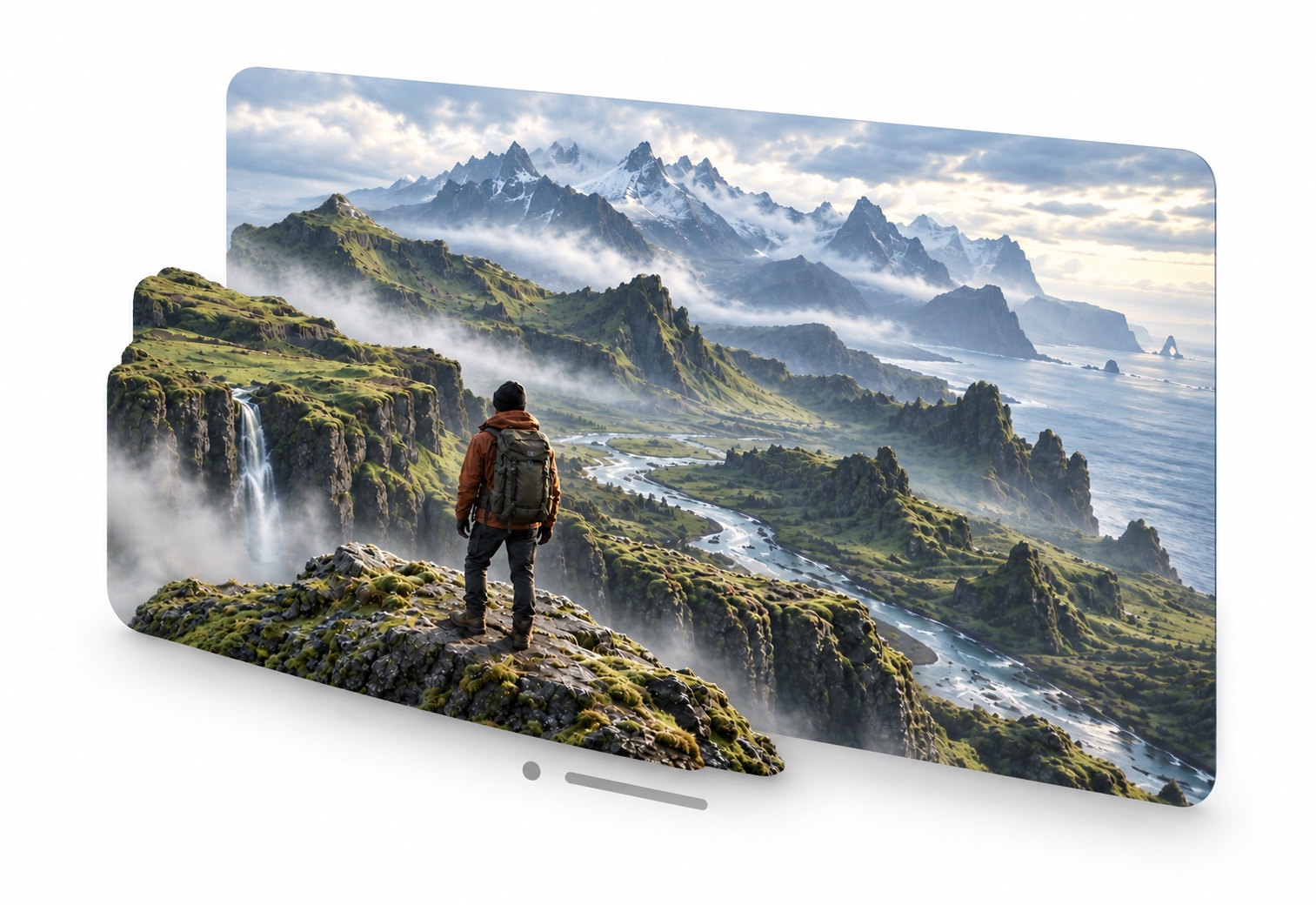
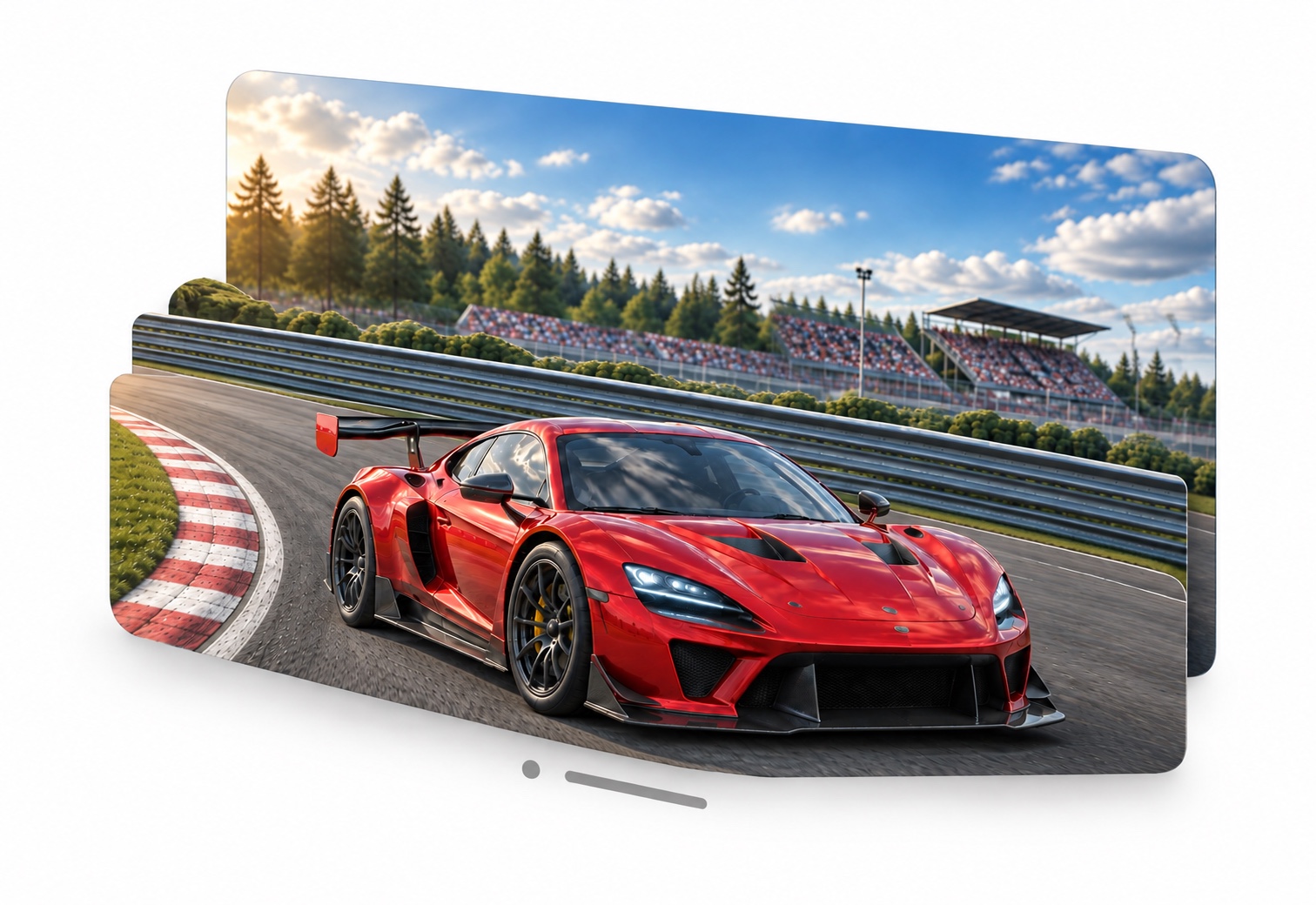
Add depth to your Mac's 2D screen in real time.
With Apple Vision Pro, experience the games and movies you love in 3D.
Apple silicon · macOS 26+ · Beta 1.0
DMG · 49.2 MB · Notarized by Apple
More than 3D.
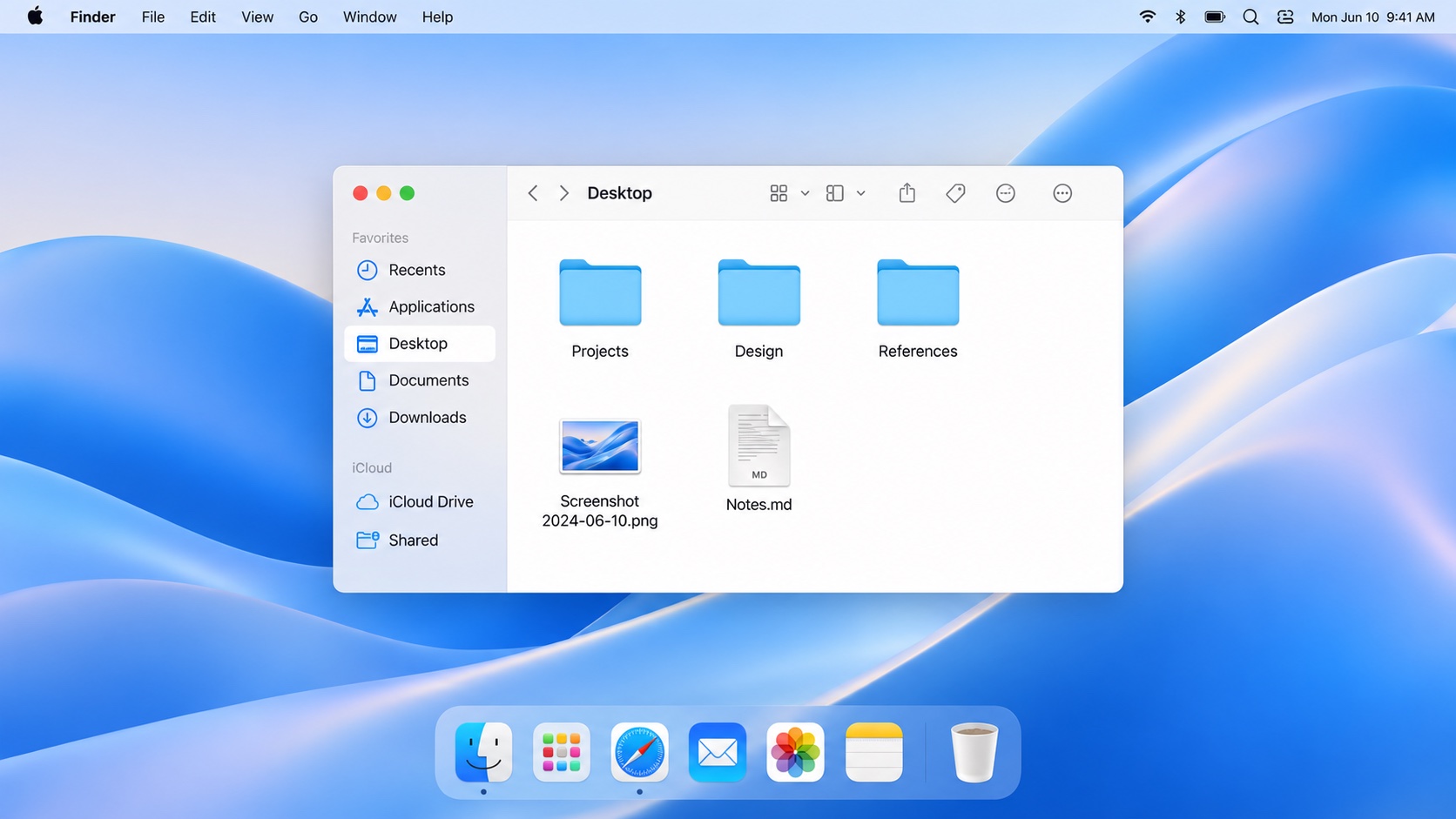
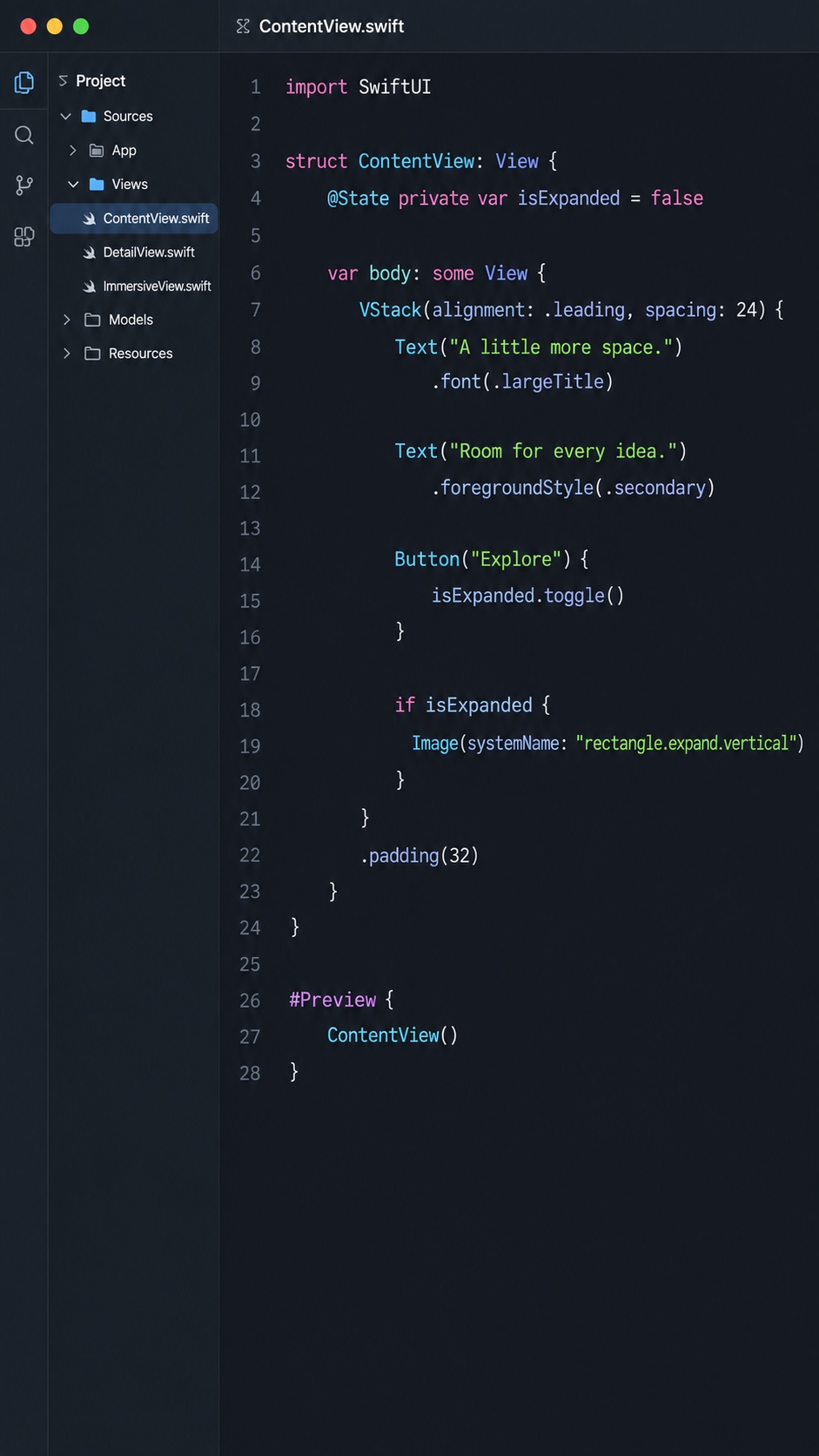
An extended display, too.
ALIn3D brings your Mac screen to Apple Vision Pro, and works as an extended display too. With portrait mode, long reads and lines of code both look great.
Three steps. You're ready.
Install the Mac app
Open the DMG, drag ALIn3D into Applications, then open the app.
Set up permissions
Follow the in-app steps to allow Local Network and Screen & System Audio Recording access.
Connect to Apple Vision Pro
Keep ALIn3D open on your Mac and Apple Vision Pro, with the devices near each other or connected to the same local network. Select your device on the Mac, then start.
The Vision Pro beta is currently available by invitation.





Need help?
Contact the developer zanenzayne@gmail.com